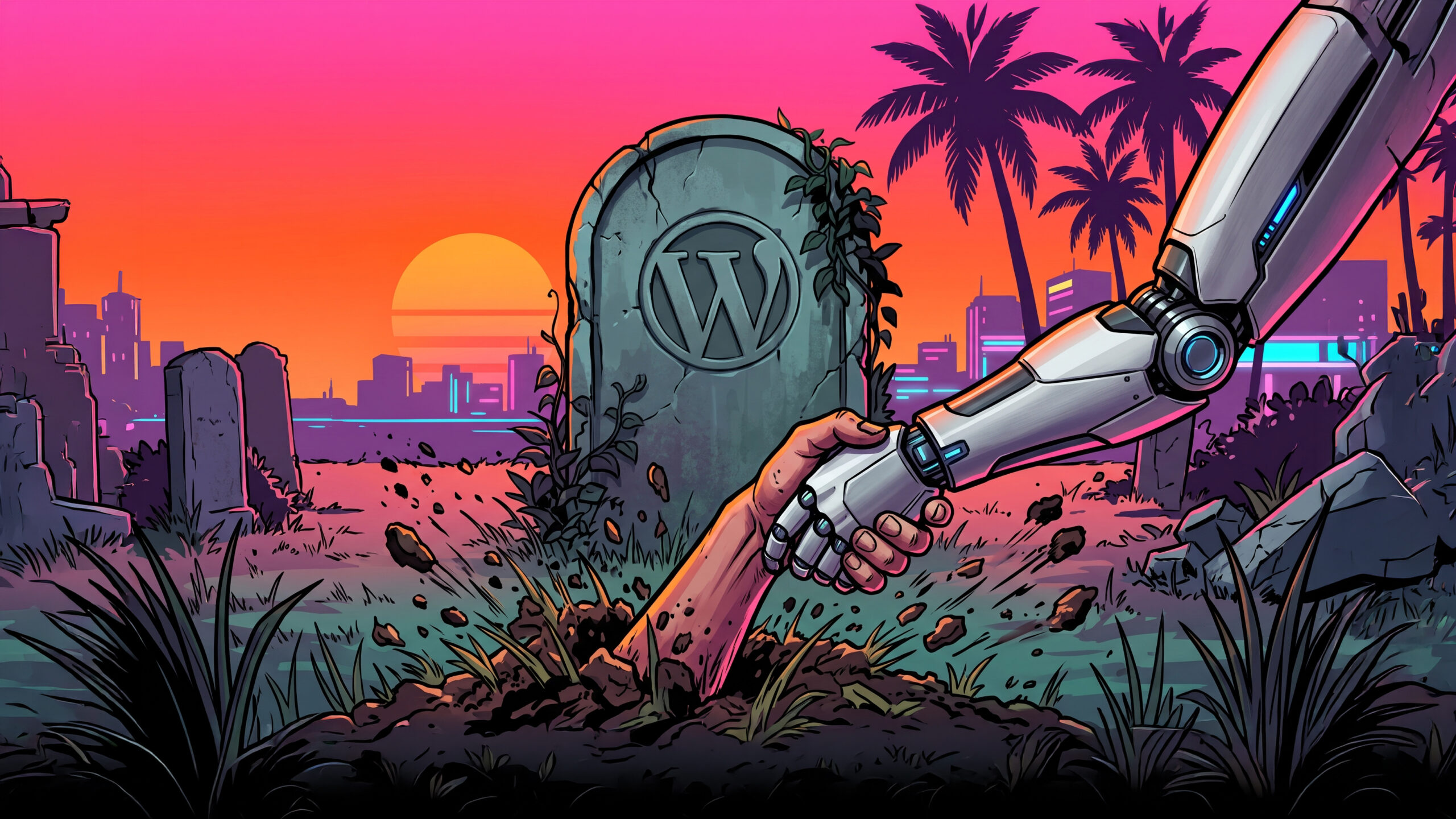

With AI tools like Lovable or Danish Henosia, you can build complete websites just by prompting. Because of that, you may have heard that artificial intelligence will soon send WordPress and every other traditional CMS into retirement. My prediction is the exact opposite.
I cannot write PHP – or at least not complex features completely from scratch. I can review code and understand what is happening under the hood.
Even so, my WordPress site runs a custom-built cookie banner, a form builder, a flipbook PDF viewer, and plenty more that I created myself. I used AI to write the code. I requested the feature, tested it, and sent revisions back – all set up with a tailored context layer across custom instructions, projects, skills, and prompts.
In the tech world, they call it vibe coding. You describe what you want in plain words and let an AI write the code for you.
And yes, I do it in good old WordPress. Completely on purpose.
WordPress Is Losing Ground
Traditional website systems (CMS – Content Management Systems: the platform you manage your website in), led by WordPress, are under heavy pressure from two directions right now.
At one end, large companies are moving to headless CMS setups (systems that only receive and store text and images, while the website shell itself, its design, navigation, and so on are built separately – often requiring expensive developers). At the other end, small businesses are tempted by new AI tools like Lovable, Base44, Replit, and Danish Henosia, where you simply describe your idea and let artificial intelligence build the entire website from scratch in minutes.
According to W3Techs’ measurement from November 21, 2026, WordPress now powers “only” 38.5% of all websites on the web – a noticeable drop from 43% at the turn of the year.
The decline is easy to see. I do not dispute that. This post is not an attempt to explain away the curve either. It is a prediction about what remains once the AI dust settles.
Why Not Just Let AI Build the Whole Website?
Many people ask me why you wouldn’t just use a tool like Lovable to generate the entire site at once. The answer is simple: because a website is never finished the day it goes live.
Next week your opening hours change. By spring you want a simple price calculator. And in the sports club, you get a new main sponsor whose logo needs to go on the front page.
When an AI builds your entire website inside a single project, it also works inside that entire project every time you ask for a small change – and AI is forgetful because it does not have unlimited memory. That means it can risk hallucinating.
The new form you ask for can suddenly cost you a navigation menu that worked without a hitch yesterday. And you often only discover it when a frustrated customer calls or writes.
It can also change your design significantly, making it harder for you to manage your visual identity.
The newest AI platforms do have an undo button built in (rolling back to an earlier version). Still, it requires you to spot the bug yourself first – and when you rewind, you roll back the whole website, not just the single feature that misbehaved. Plus, how long ago and how many tweaks back did the bug actually start?
That works great for a quick prototype or a temporary campaign page. It is a poor model for a business website with complex features that needs to live and grow over the next ten years.
At bottom, keep this in mind: the smaller and more tightly scoped the task you give the AI, the less can break when it solves it – and vice versa.
A Modular Setup Reduces the Risk
The traditional CMS will no longer be everyone’s automatic first choice – there will always be people who find working with a CMS overly technical. Still, good old WordPress should be the tool you choose when reliability and control matter to you.
In the new vibe coding reality, the CMS has a brand-new role. It no longer has to do everything itself out of the box. It should be the rock-solid technical and design foundation that AI builds on top of – with your vibe-coded features as add-ons.
Think of your website as a LEGO house. You do not tear down the whole house and rebuild it from scratch every time you want to tweak a detail – because you almost certainly could not recreate it 1:1 with the same shape, colors, and brick sizes in the right places. Instead, you only remove the bricks needed to make the change you want.
Benefits of vibe-coded building blocks on top of a CMS foundation:
- The core is off-limits. Your copy, design, and users stay safely inside WordPress. The AI never gets to mess up the foundation itself.
- Each feature is its own brick. You give the AI one clearly defined task and ask for the output as a plugin (a small add-on you can switch on and off with one click) or a PHP snippet that you add and manage with a code-snippet plugin. Misbehaving contact form? You just switch off that brick. The rest of the website keeps running undisturbed.
- You own the shop. The code lives on your own web hosting and can be moved whenever you want. You are not renting your digital presence on a tech giant’s closed platform and pricing tier. You also keep the freedom to switch vendors without starting over.
Why WordPress Holds Strong in Tomorrow’s Niche
WordPress has had digital LEGO bricks for more than twenty years. Its plugin architecture is the exact mechanism my prediction rests on.
The people behind WordPress have seen where the wind is blowing, too – already in version 6.9 in November 2025, the system added a built-in registry (Abilities API) that translates the site’s capabilities so an AI can understand and use them directly. And with version 7.0, extra AI infrastructure was added to let external tools and custom agents work alongside the system’s backend.
On top of that, the platform has a major practical advantage. AI models are trained on massive amounts of data from websites across the web – where WordPress has been the market leader. That means AIs are trained on huge volumes of WordPress code from everywhere online. In other words, AIs are simply darn good at writing working plugins specifically for WordPress.
And then WordPress is open source (free and openly accessible code). While tech giants would rather have you pay a monthly subscription to rent space in their systems, here you own the bricks yourself.
If you want stability, ownership, and the ability to expand at your own pace, I do not see a better bet than WordPress right now.
How to Get Started – Step by Step
You do not need a big agency or an expensive budget to try it out. You can build your first feature as early as tomorrow:
Step 1: Describe one feature – not a whole website.
Do not write “build a better website for my club.” Instead write: “Build a WordPress plugin with a simple sign-up form for group training that sends an email to the coach with name and phone number.”
Step 2: Ask for a standalone plugin.
Always add in your prompt that the feature must be delivered as a separate plugin packaged in a zip file or as a PHP snippet, and that the code must under no circumstances modify your existing theme or other plugins.
Step 3: Have the AI check its own work.
Before installing anything, ask the AI to review its own code for security flaws and bugs. If you have access to two different AI services, let one check the other’s work.
I can warmly recommend combining Claude for coding – and Gemini for the follow-up review.
Step 4: Install your feature.
Upload the zip file in WordPress under Plugins -> Add New Plugin or paste the PHP code into a code-snippet management plugin. Click through everything on both mobile and desktop. If your web host offers a test copy of your site (often called staging), always test your new brick there first.
ZeeMee Snippets
A 100% free code management tool for managing PHP snippets on your website – and building your own vibe coding site. Read more
Step 5: Save every version.
Put your zip files in a folder on your computer with version numbers (for example signup-v1.zip, signup-v2.zip). That is your personal undo button if an update causes trouble.
Build Small, and Protect Your Foundation
Artificial intelligence can build a whole digital house in ten minutes today. But that does not mean it is smart to move your business into it.
For a local business or club, digital success is rarely about having the newest, most hyped technology. It is about having a website that works tomorrow, that you control yourself, and that you can grow at your own pace.
Three down-to-earth places to start in your day-to-day work:
- The carpenter: A simple price calculator for a new roof, where the customer enters square meters and roof type, gets a rough estimate on screen – and you get the inquiry straight in your inbox.
- The café: A digital menu you can update quickly from your smartphone whenever the dish of the day or cake of the week changes.
- The handball club: A clear match schedule with a built-in sign-up button for parents taking kiosk and referee shifts.
Leave the foundation standing. Build one brick at a time. And always keep the old one.
Questions and Answers About Vibe Coding and WordPress
A vibe coding hub is a stable digital foundation where you gather and manage features programmed for you by an AI. In WordPress, that means each new feature is packaged as a standalone plugin while the website’s core, content, and design stay untouched.
No, not for everyone. Many will choose modern AI tools for quick campaign pages, while large enterprises choose complex headless setups. If you want a stable website you own yourself and can safely expand over many years, a traditional CMS combined with AI-built plugins is still one of the strongest choices.
In Lovable, the AI builds and modifies an entire website or app inside one combined code project, which makes it fast for prototypes but fragile during ongoing edits. In WordPress, you have the AI build one scoped feature at a time as a separate plugin, reducing the risk that new changes break existing features on the site.
Yes, you can. You describe one concrete feature in plain language to an AI and ask for the code as a standalone plugin in a zip file that you upload directly in your WordPress dashboard. You should still test the feature thoroughly on both mobile and desktop before making it visible to visitors.
Not automatically. AI can introduce security flaws just like human developers, so you should always ask the AI to security-check its own code and never use the approach for payments, logins, or sensitive personal data.